Install the integration with Indeed
Install and activate the Workable integration in Indeed Employer Home with the partner token and subdomain.
Who: Indeed Employer Home administrator
Time: ~5 minutes (one-time setup)
Complete the installation in Indeed Employer Home with the partner token and subdomain from your Workable administrator.
Get the required information from your Workable administrator first.
Step 1: Install and activate the integration
-
Select the Workable integration card.
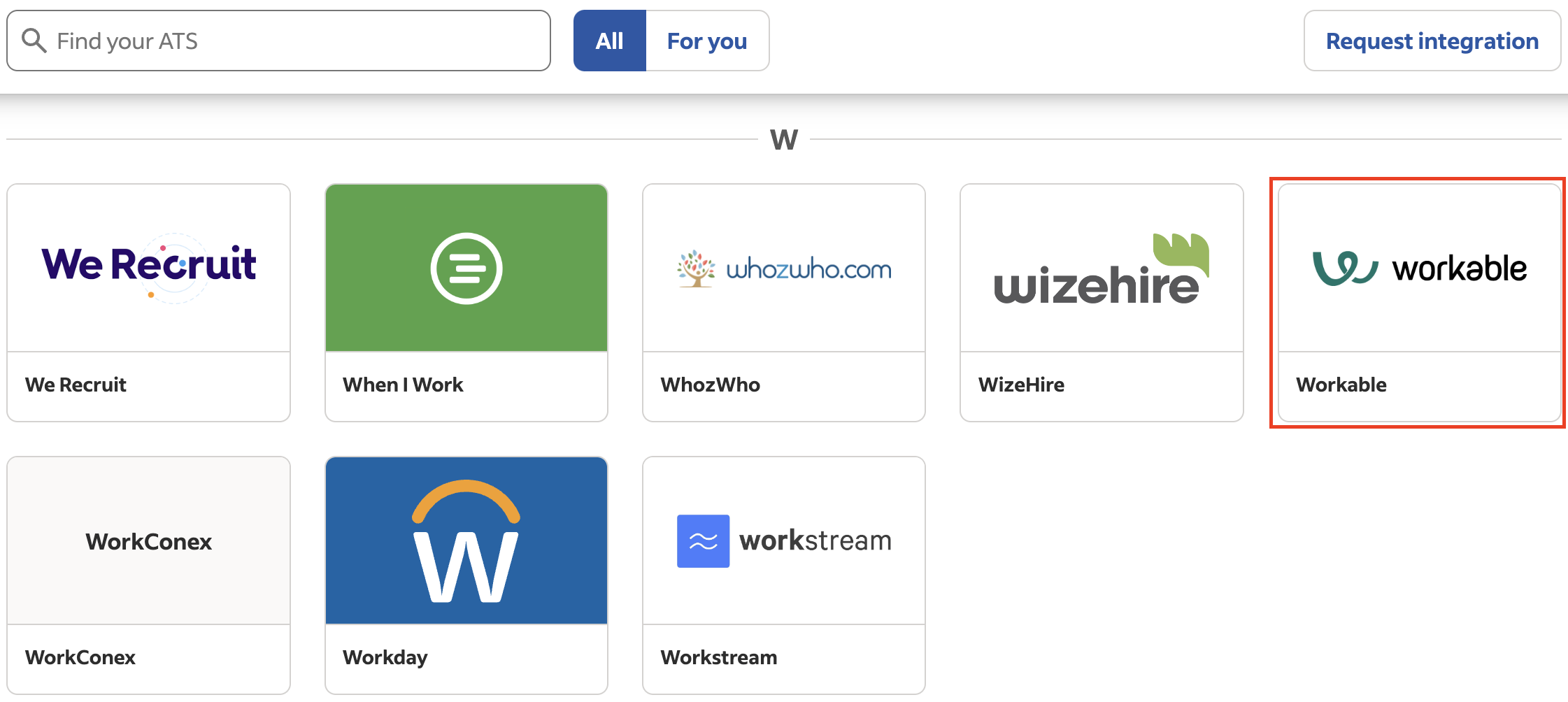
Workable integration card on the integrations page. -
Select Get started.
-
Select Install Candidate Syncing.
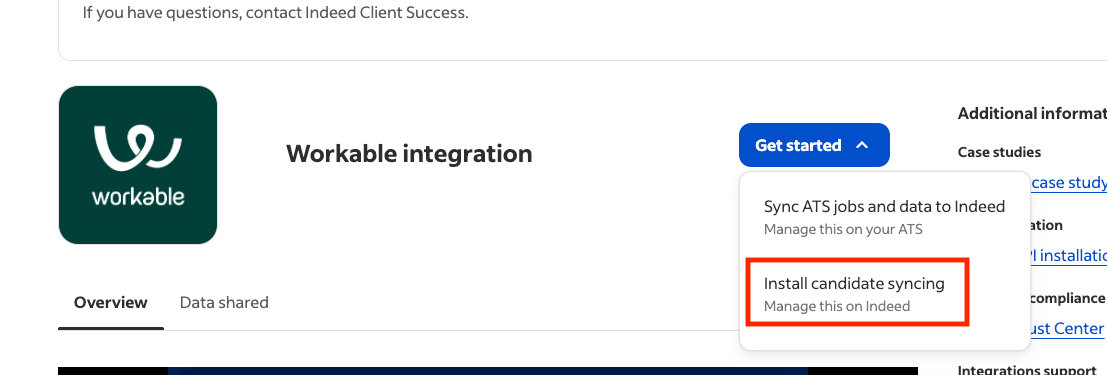
Get started and Install Candidate Syncing options. -
Enter the information from your Workable administrator:
- Subdomain
- Partner token
-
Accept the terms and conditions. Select Verify credentials.
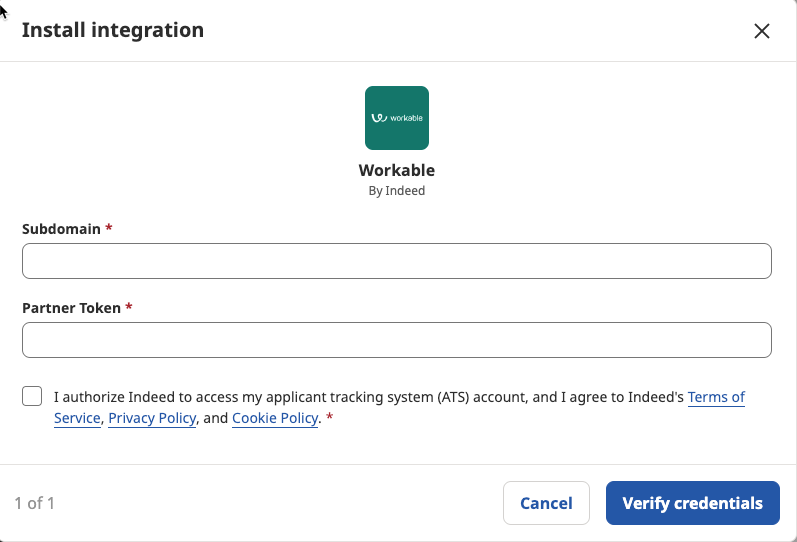
Credentials form with Verify credentials button. -
On the Candidate management preferences screen, set your candidate backfill timeframe (none to 2 years). Select Confirm.
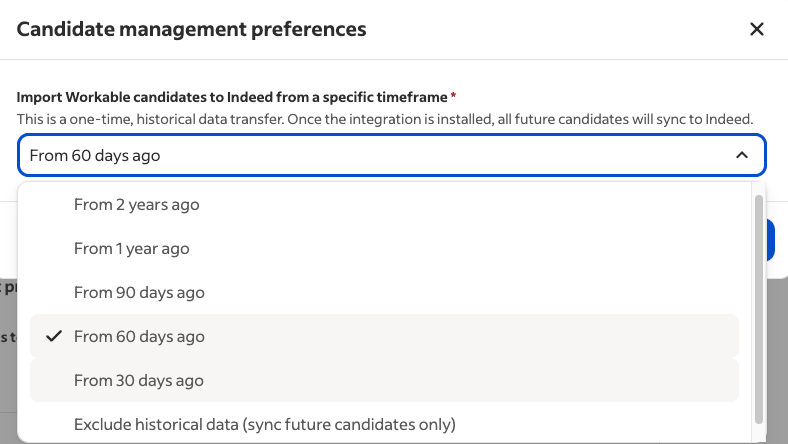
Candidate management preferences screen with backfill timeframe options. -
Select Finish.
Completed:
- Installed and activated the integration
- Set candidate management preferences
Your Workable integration is active. Jobs and candidates sync automatically.
Additional resources:
- Field mappings and sync behavior – Data mapping tables and how candidates sync