Employer Registration API連携ガイド
採用企業を登録し、ATSとIndeedの間で候補者データの同期と機能設定の管理を行うためにAPIと連携します。
法的注意
この API およびそのドキュメントを使用し、連携を構築することにより、お客様は追加 API 規約およびガイドラインに同意したものとみなされます。
連携の概要
Employer Registration APIと連携して、Candidate Sync連携のために採用企業を登録します。これにより、採用企業はATSとIndeedの間で候補者データを同期し、機能設定を管理できます。
連携手順
1. IndeedとDeveloper Agreementを締結する
IndeedとDeveloper Agreementを締結し、Indeedパートナーになる (新しいウィンドウで開きます)から連携リクエストを送信します。
Indeedがアカウントを承認すると、アクセスが有効になり、連携に関するアンケートが送信されます。
2. 認証する
Indeedパートナーになると、Indeedが連携用のアプリを作成します。Partner Console (新しいウィンドウで開きます)にサインインして、アプリとOAuth認証情報(クライアントIDとシークレット)を確認します。これらの認証情報をアクセストークンと交換し、API呼び出しを認証します。
3. 連携を開発してテストする
-
採用企業がIndeedへの登録、登録情報の管理、登録解除を行えるATSのUIを構築します。採用企業は複数のIndeedアカウントで登録できるため、UIは複数の登録に対応する必要があります。
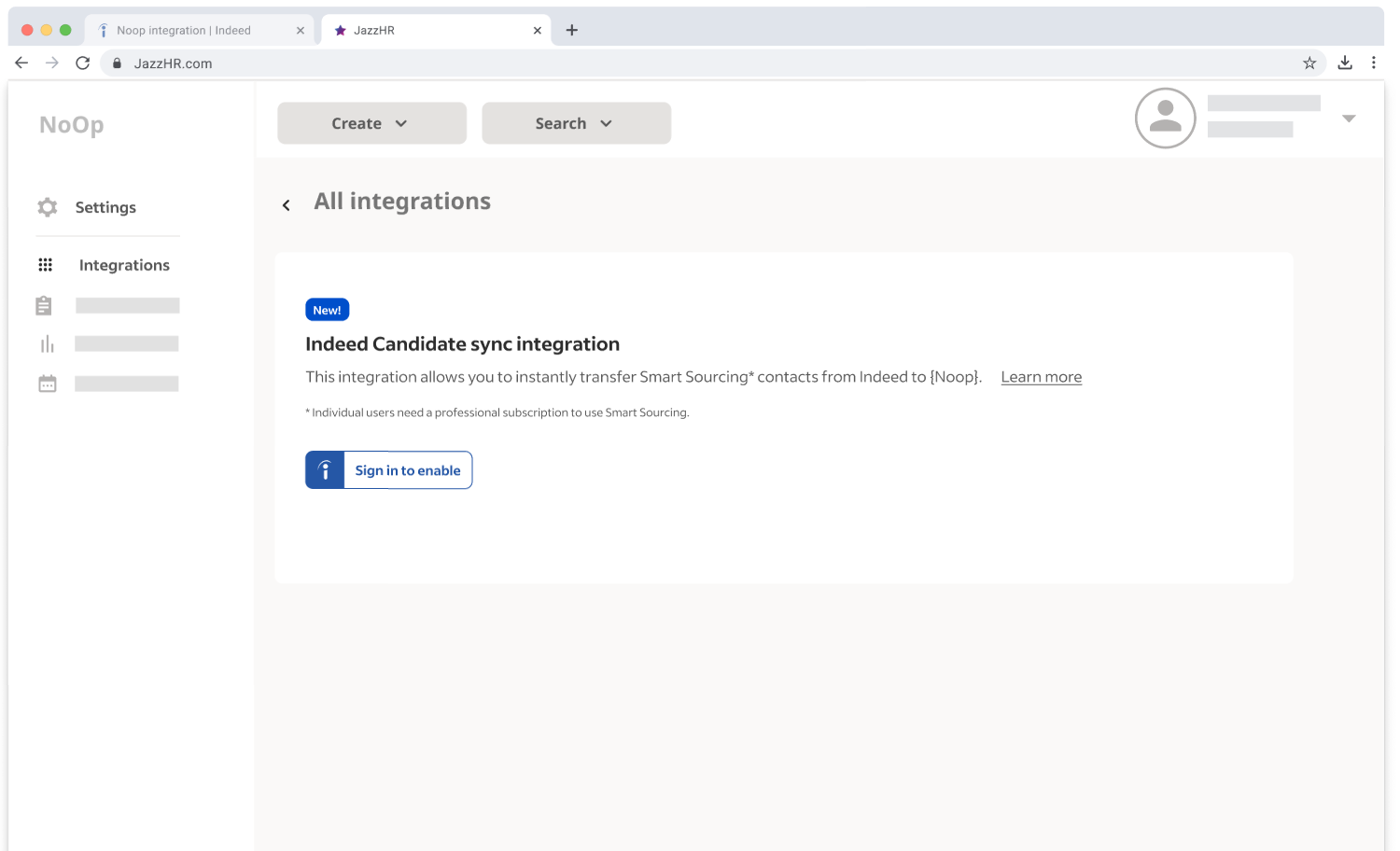
ATS登録のモックアップ -
次の点を確認します。
- 登録時に一般的なGraphQLエラーが発生しないこと。
- 登録解除が動作すること。
4. 連携の承認を得る
アプリケーションが次の要件を満たしたら、スクリーンショットを含むドキュメントを提出します。
- 採用企業の連携メニューにおけるIndeedのブランディングと配置
- 採用企業がIndeedアカウントで登録する操作
- 採用企業が登録を解除する操作
Indeedは連携を承認した後、メールで通知します。